Terminals are one of the most important tools a developer has access to. Some developers may only use it to view their application throw a billion errors, while others may use their terminal for literally everything. So when I had to pick one I really wanted to consider all my options in order to choose one which I’ll be happy with.
In my opinion the main thing a terminal emulator needs to be is fast, if it feels sluggish to use every workflow is going to feel worse. Besides that I value cross-platform support, feature set, and ease of configuration. I’ve picked out 4 terminal emulators which I think are worth consideration, those being Alacritty, WezTerm, Rio and Contour.
Alacritty
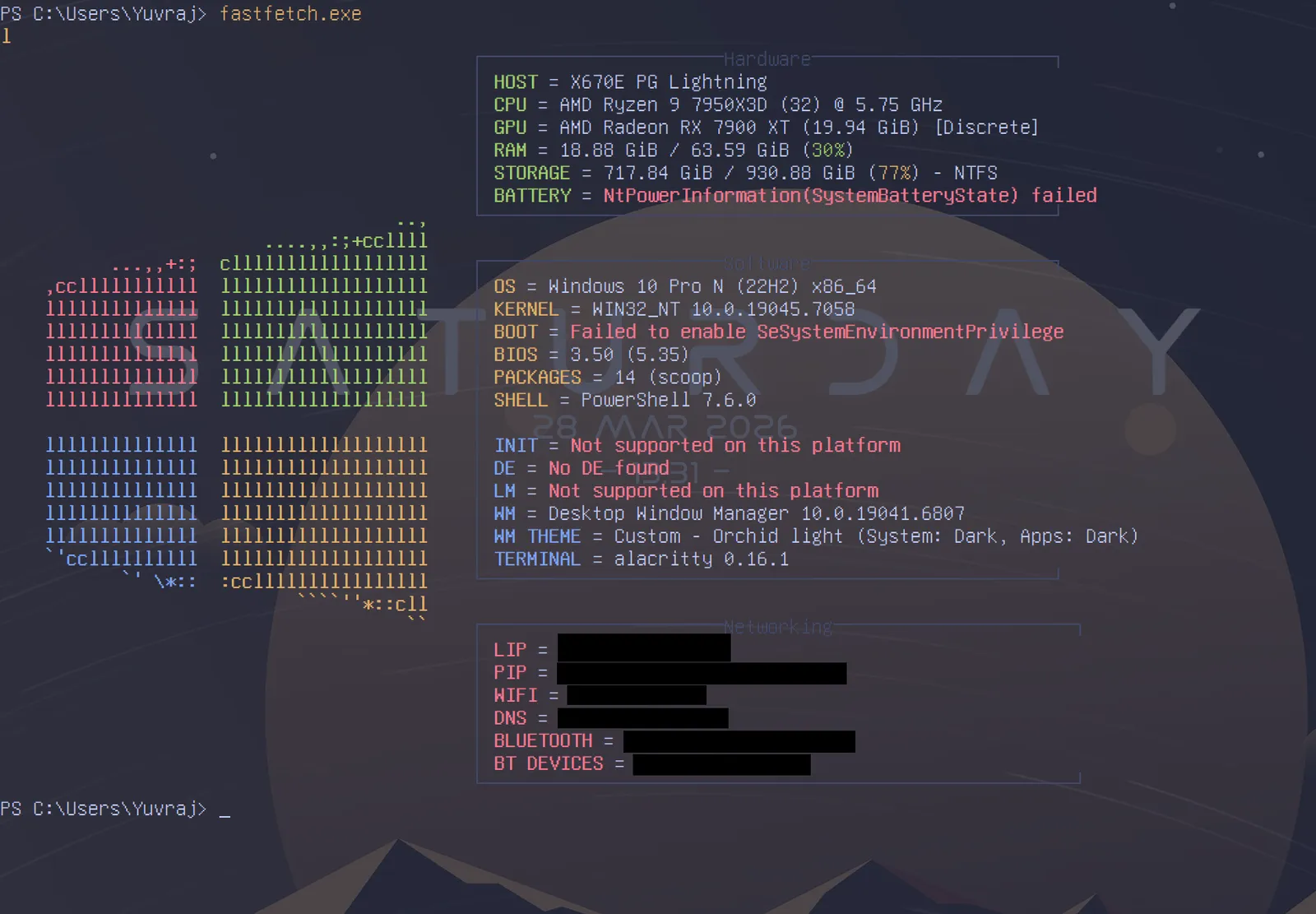
Alacritty is a Rust based terminal which is famously fast due to developers obsessed with optimization and its usage of OpenGL for rendering. In fact Joe Wilm (the creator) started the project because he was frustrated with how terminals of the time performed, saying “None of them were ever quite fast enough”1. From the beginning, Alacritty’s philosophy always prioritized simplicity, portability, and performance over everything else.
This means that Alacritty does everything you need and nothing else. But it also means that it doesn’t have a lot of features which are expected, such as font ligatures and multiplexing. Instead, you’re expected to use external tools, like tmux for multiplexing. The configuration however is just amazing. Alacritty’s TOML configuration is so easy to write that I was able to go through every setting and configure it to my preference within an hour. The configuration also works on all major platforms, just like the software itself!
Alacritty truly is the reasonable default of terminal emulators, no one would ever consider it bloat or find it too light on features. This doesn’t mean I think Alacritty is perfect. I think a lot of people will want more functionality from their terminal. However, I don’t want Alacritty to go against its own philosophy to cater to everyone. Instead, there should be alternatives which fill the space with variety.
Rio
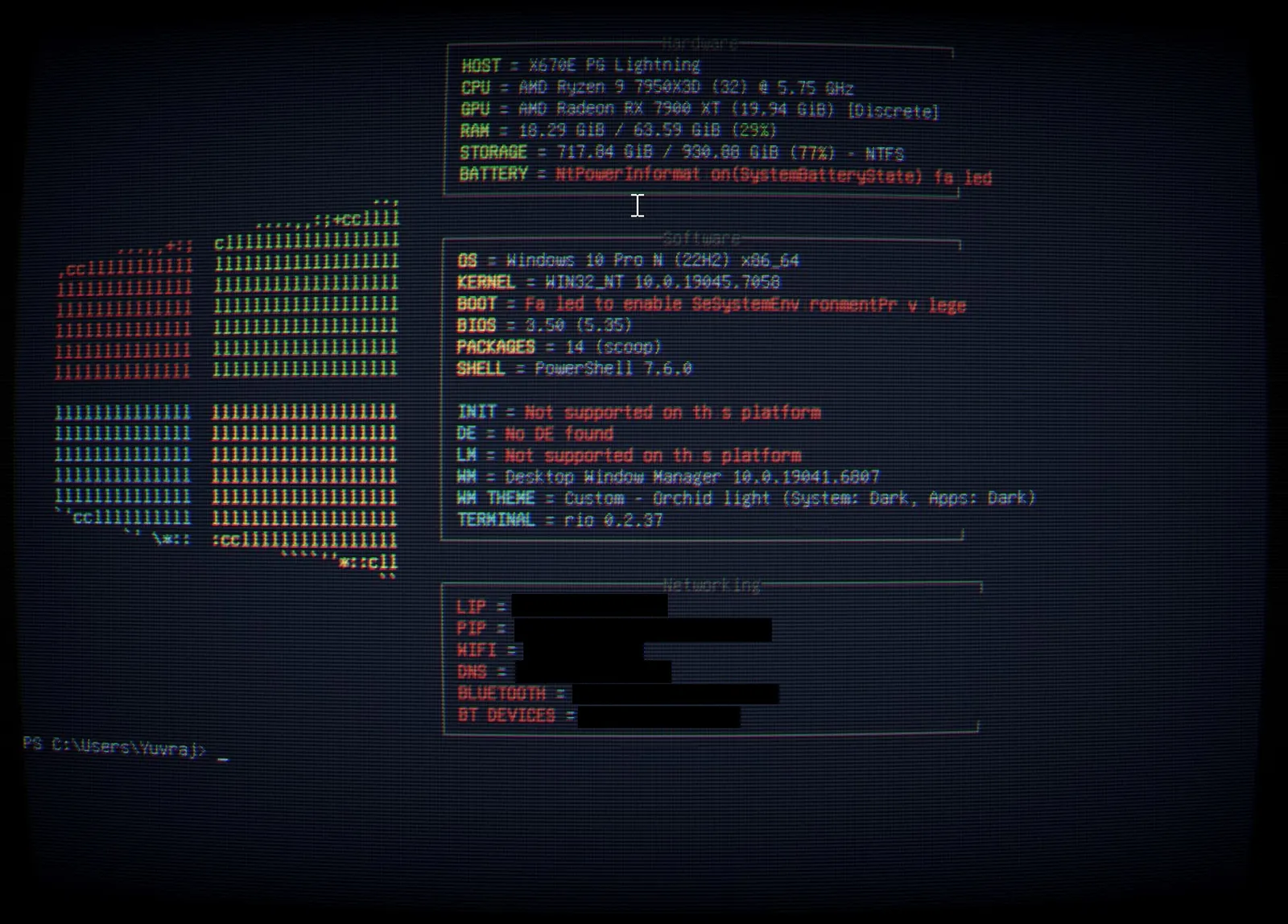
Rio is another Rust based terminal which is relatively new to the scene. It runs everywhere you would expect, and has a browser version in the works2. Rio has a lot of really interesting features which you don’t see anywhere else, with the most notable being RetroArch shaders. RetroArch shaders can customise your terminal’s appearance beyond the basic options, allowing stuff like CRT shaders to work out of the box. It also has the features which you would expect from a modern terminal, like Sixel and iTerm2 image protocol support, font ligatures and multiplexing.
I think Rio is interesting, it gets updated far more than the other 3 terminals on this list. This means that Rio is probably going to have the most features, but also the most bugs. For example, the ‘i’ characters just don’t render properly. Another differentiator is WebGPU, which in theory is faster than OpenGL3. However, its configuration is actually quite similar to Alacritty, with it once again using TOML for its configuration format.
Rio will probably evolve into a much better terminal over the course of another year or two, in fact I’m sure of it. However, right now I don’t think there is a good reason to pick Rio over the other options unless there’s one feature you really like. If you’re looking for something bleeding edge and ever changing with some really unique features then Rio is a great option.
Contour
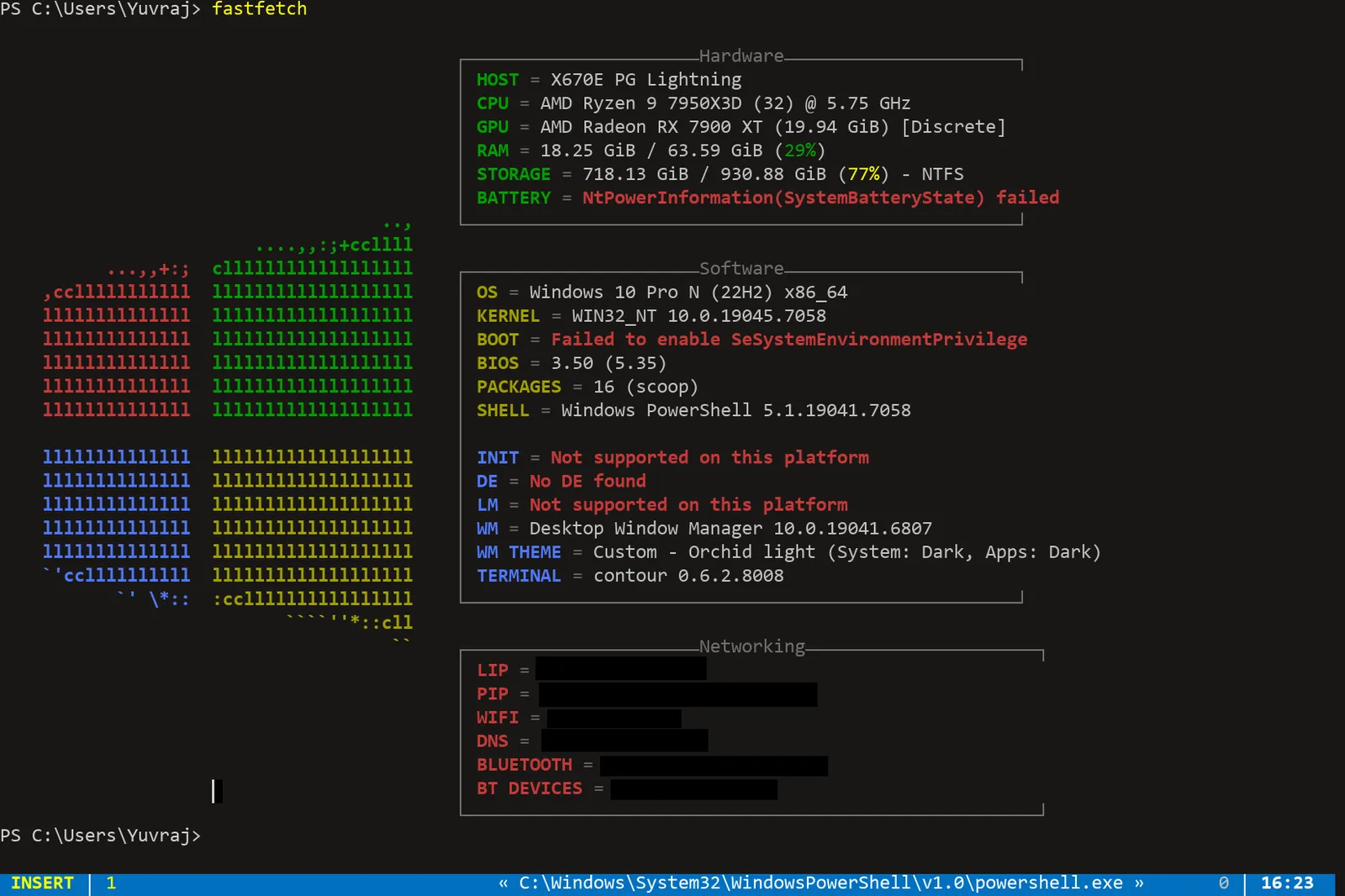
I haven’t spent as much time with Contour as the other options, so I may be misrepresenting it here.
Contour is a terminal emulator written in C++. Contour sets out to be really fast similar to Alacritty. It also has the typical extras like font ligatures and Sixel image support but also has some unique features like vertical line markers. It uses OpenGL for rendering which could be considered a downside but I believe it’s more than enough for a terminal emulator. It’s also supported on all major platforms, just like the other 3 terminals on this list.
To me Contour is like Alacritty, but with a lot of the features people want in Alacritty. These features can be really cool (background blur on Windows 10!!!) but can also feel unnecessary at times. This doesn’t mean it is a bad option, it just means I don’t find it particularly special compared to the other options which are available.
Also I find the configuration process just flat out annoying, probably because it’s in YML instead of something more user friendly like TOML. If you like Alacritty but feel limited by its feature set, Contour is worth trying out.
WezTerm
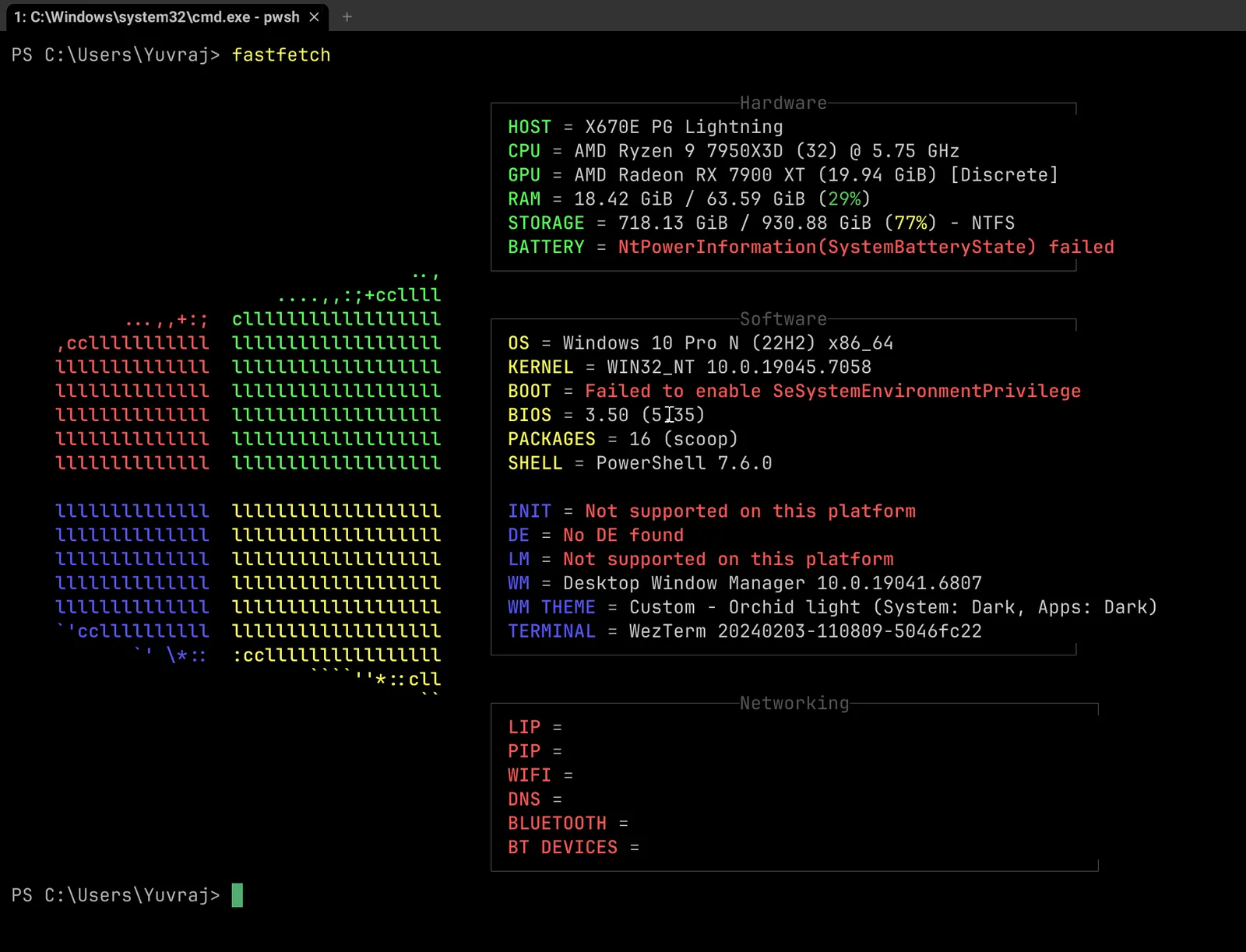
WezTerm is yet another terminal emulator written in Rust. It’s pretty much the antithesis to Alacritty’s philosophy, focusing on lots of features while still performing well. This means that WezTerm is inherently more complicated than the other options on this list. However, you do get those sweet, sweet features. WezTerm ships with multiplexing, SSH, image support (iTerm2, kitty and Sixel), serial port support, and an extremely in depth Lua based config. It of course supports all main desktop platforms like every terminal on this list.
This means WezTerm is really opinionated. If you don’t like its multiplexing you’re not going to like WezTerm. If you consider the additional features bloat, you’re not going to like WezTerm. If you want to be able to set up your terminal in 30 minutes, you’re not going to like WezTerm. However, this doesn’t mean WezTerm isn’t fast, on the contrary it performs well enough that you wouldn’t notice a difference in daily use.
In my opinion WezTerm ships with too many features, it loses its focus of being a terminal emulator and tries to be too many things at once. This makes the configuration really annoying too, there’s simply too much to configure for one single application. However, this just makes it more of an all in one application than bad software.
Conclusion
If it wasn’t clear by now I’m going to stick with Alacritty, though I’m happy I went through the other options since it makes me much more confident in my decision. Alacritty’s philosophy just speaks to me, I love the focus on performance and I don’t think I’m losing any features I would care about. If I did I would probably pick Rio, since it has a good list of features while still being easy to configure and performant. Each terminal emulator on this list takes a different approach and has their own set of very compelling reasons to use them; it just so happens that Alacritty was the most compelling for me.